
TJuTZu Junk Yard

Android image show from DropBox

I needed a system that show images from dropbox automatically. I have used this time: MobiLock to put device on Kiosk mode Autosync Dropbox – Dropsync  to synchronize image folder Photo Slides (Photo Frame) to display images. After testing look like this combination doesn’t work. Photo Slides go haywire when images are changed on Dropbox folder. Another

Old android to some use

Some apps that might help to make those old Android devices usable again. Clean Master to clean the device Convert Your Old Android Tablet into Beautiful Weather Station or Convert Your Old Android Tablet to High End Digital Photo Frame: Photo Slides (Photo Frame) Digital Photo Frame Slideshow AppCrawlr might melp to find apps for Android And Kiosk

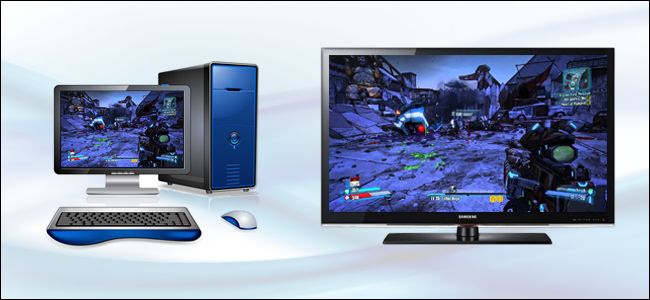
Dolphin – Gamecube and Wii Emulator

Dolphin is an open-source Nintendo GameCube and Wii Emulator for Microsoft Windows, Linux, and Mac OS X (Intel-based). It is the first emulator to successfully run commercial GameCube and Wii games, and is still the only emulator capable of running commercial Wii games. Lähde: Dolphin – Gamecube and Wii Emulator

Wii board as scale

Wii board as scale DIY internet-enabled bathroom scale – Stavros’ Stuff gr8w8upd8m8 Wii-Scale Wii Balance Board Cloud Scale Wii balance board …

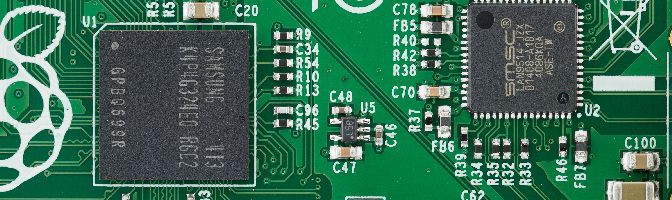
LAMP (Linux, Apache, MySQL and PHP) on Raspberry PI

Install LAMP (Linux, Apache, MySQL and PHP) From:  <http://community.linuxmint.com/tutorial/view/486> Install Apache sudo apt-get install apache2 -y Install PHPTest by going http://localhost/ or http://raspberrypi/ if installing trough SSH sudo apt-get install php5 libapache2-mod-php5 -y sudo apt-get install php5-gd -y Restart apache sudo /etc/init.d/apache2 restart Test PHP sudo nano /var/www/html/testphp.php Paste this in file <?php phpinfo(); ?>

How to install or upgrade UV4L on Raspbian Wheezy & Raspbian Jessie for Raspberry Pi

How to install or upgrade UV4L on Raspbian Wheezy & Raspbian Jessie for Raspberry Pi The following instructions refers to installing UV4L on the official Raspbian Linux distributions for any flavour of Raspberry Pi (1, 2, 3, Compute Module, etc…). As these installation instructions are updated and improved very frequently, it is suggested to read